Hello, this is a quick guide on how to access SharePoint.
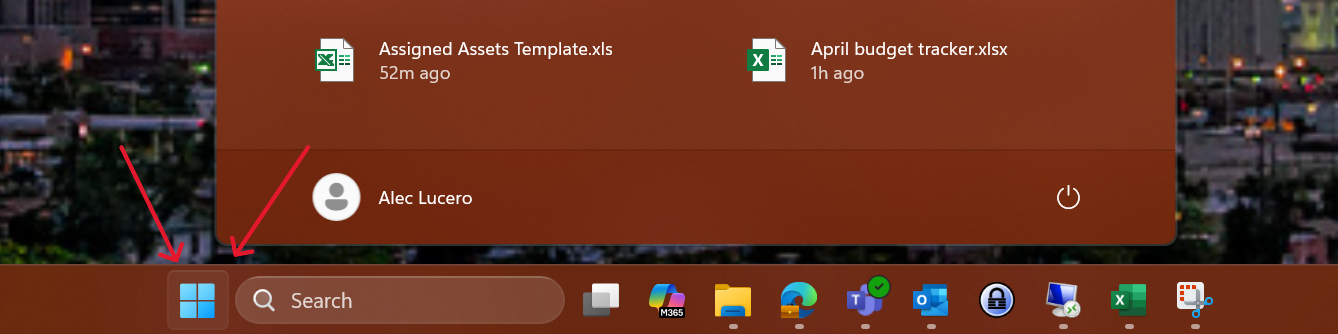
Step 1: Select the windows icon, usually in the middle, left, or right side of the taskbar
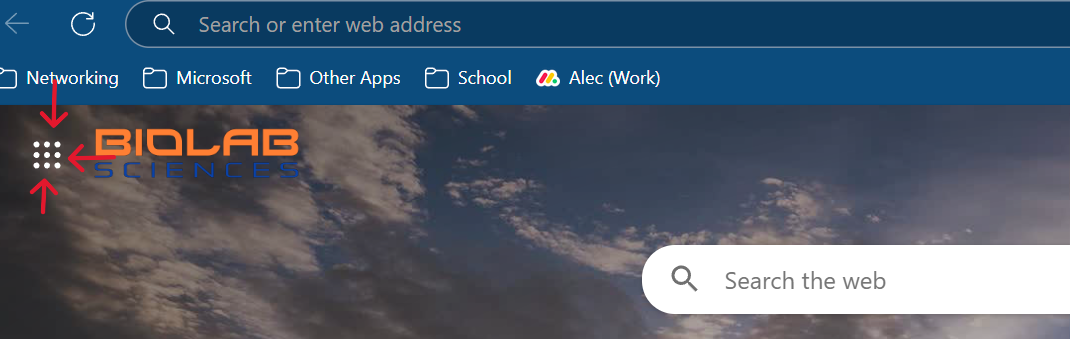
Step 2: Open Microsoft Edge, and select the 9 dots in the top right (must be new tab)
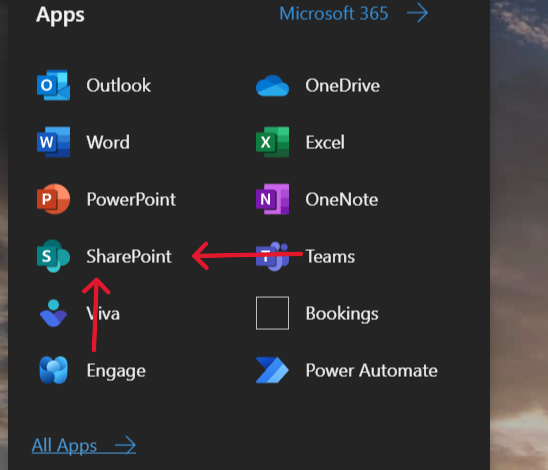
Step 3: Select SharePoint
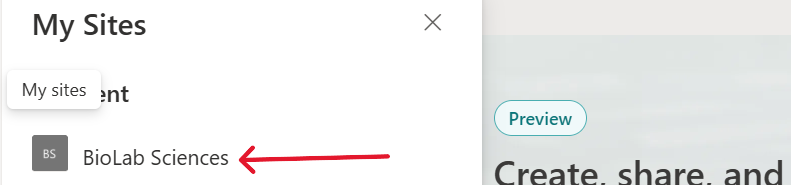
Step 4: Select Sites or globe icon on left task bar then select "Biolab Sciences"
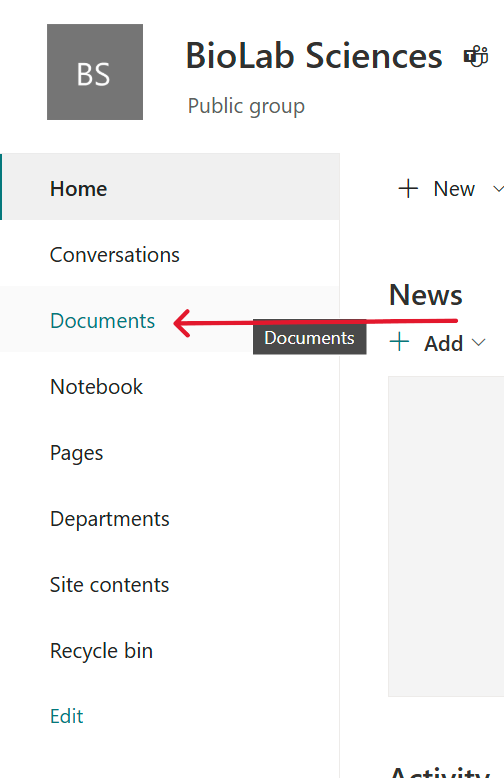
Step 5: Select "Documents" and now you are in the SharePoint