
- In the search bar at the bottom of the screen search for "Printers and Scanners"
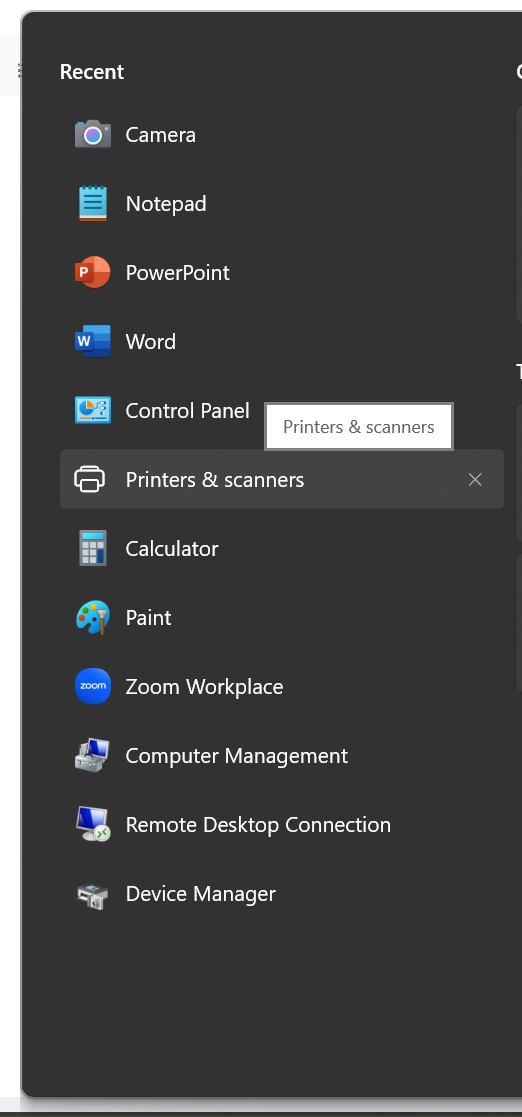
- Click add device

- Search for the printer in the list, since we have almost all of the printers in the company on the network there will be a lot of them.
- When you find the correct printer click add device

- At this point the computer should do the rest, feel free to print a test page to confirm connection.
- There is a more advanced method if the above steps don't work. IT will be able to help with, just create a ticket
How to add a printer Print
Created by: Stephen Hendrickson
Modified on: Thu, 29 May, 2025 at 7:47 AM
Did you find it helpful? Yes No
Send feedbackSorry we couldn't be helpful. Help us improve this article with your feedback.