
- If you need access to a shared mailbox, for a team you are on first IT will need to add you to the mailbox.
- Most of the time the inbox will show up on it's own but may require some assistance on your part
- Close Outlook whether you use the desktop app or the web version
- If you use the desktop app it maybe needed that you go to the web version and "open" the new inbox.
- outlook.office365.com is the link
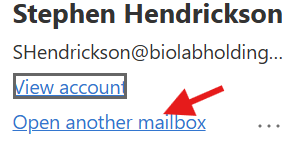
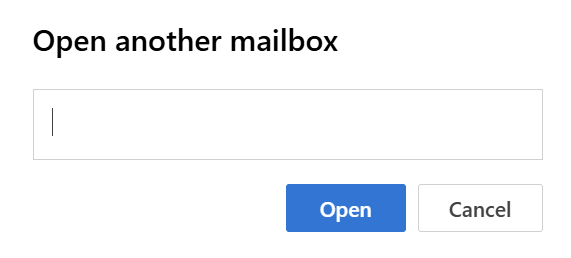
- this is linked to the address book for the company so just search
- The most important thing to remember is sometimes it just takes time.
Adding a shared inbox Print
Created by: Stephen Hendrickson
Modified on: Thu, 29 May, 2025 at 8:43 AM
Did you find it helpful? Yes No
Send feedbackSorry we couldn't be helpful. Help us improve this article with your feedback.