
If your monitors aren't displaying an image one common culprit is that the desktop hasn't been extended to it.
- Right click on your desktop and select "Display settings"
- Select the screen that is not displaying and from the drop down select extend desktop
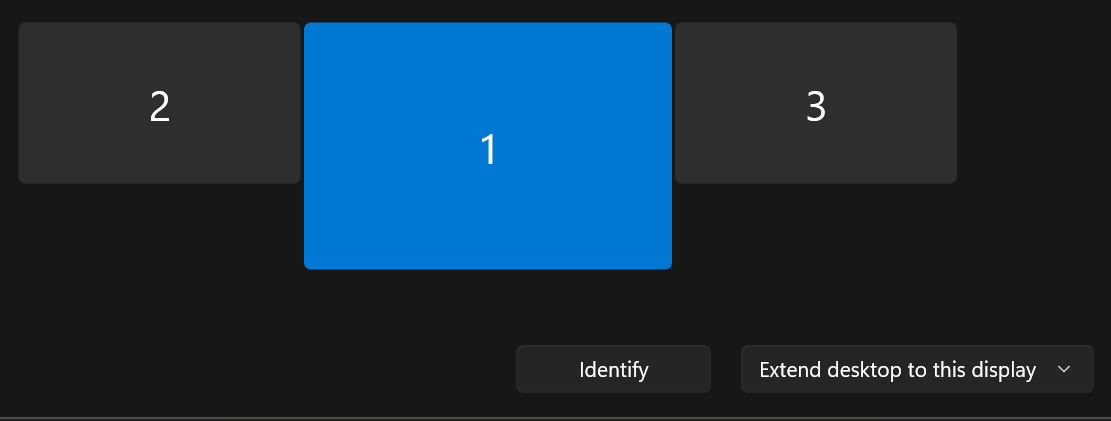
- This should solve it if you don't even see the screen that is not displaying then that points to a hardware issue such as a loose connection.