
When you want to set a default program for a certain file type
- Open “Settings”

- Click on


- Now select the program you want as a default for example Adobe Reader
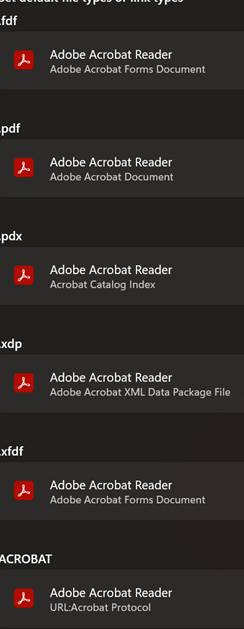
- Those are all the file types Adobe Reader is default for
- You can also right click on a file and from the drop down choose what program to open with