
- On Edge when you are logged into your Microsoft account, this would have been done when you first logged into the device, open a new tab
- In the upper left corner are nine dots.

- Click on them and then click on all apps
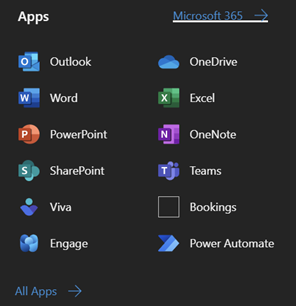
- Once more on all apps
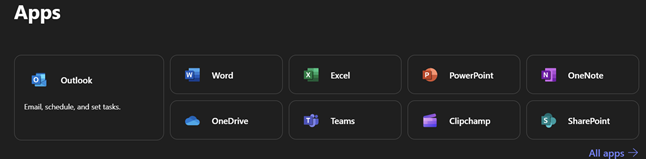
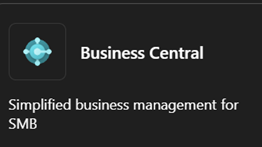
- Now click on Business Central
- You will see this pop up
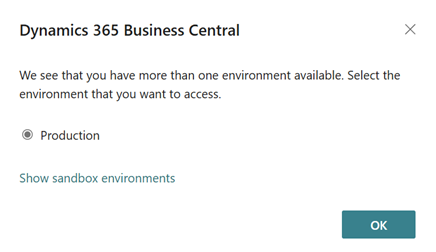
- Click ok you are now on the home screen.
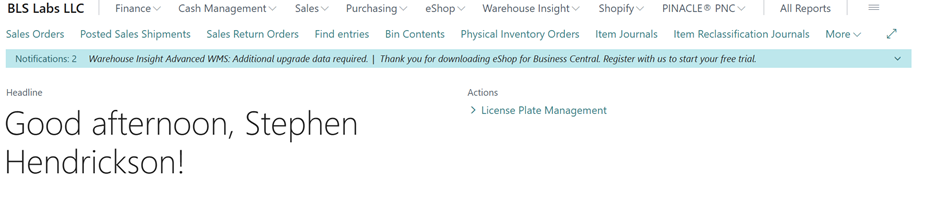
- Everybody’s home page looks a bit different but it should look something like this
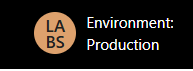
- Always make sure you are in the correct environment
- For more specific details ask your manager before contacting IT as they will most likely know more about the specifics for your department.
Accessing Business Central Print
Created by: Stephen Hendrickson
Modified on: Thu, 29 May, 2025 at 2:56 PM
Did you find it helpful? Yes No
Send feedbackSorry we couldn't be helpful. Help us improve this article with your feedback.