
Let's start with a bit of background a Trusted Platform Module (TPM) error often shows up as a repeated request to sign into Microsoft services (Outlook, Teams, etc) at minimum it is annoying at worst it stops you from doing your job entirely. the error will look something like this.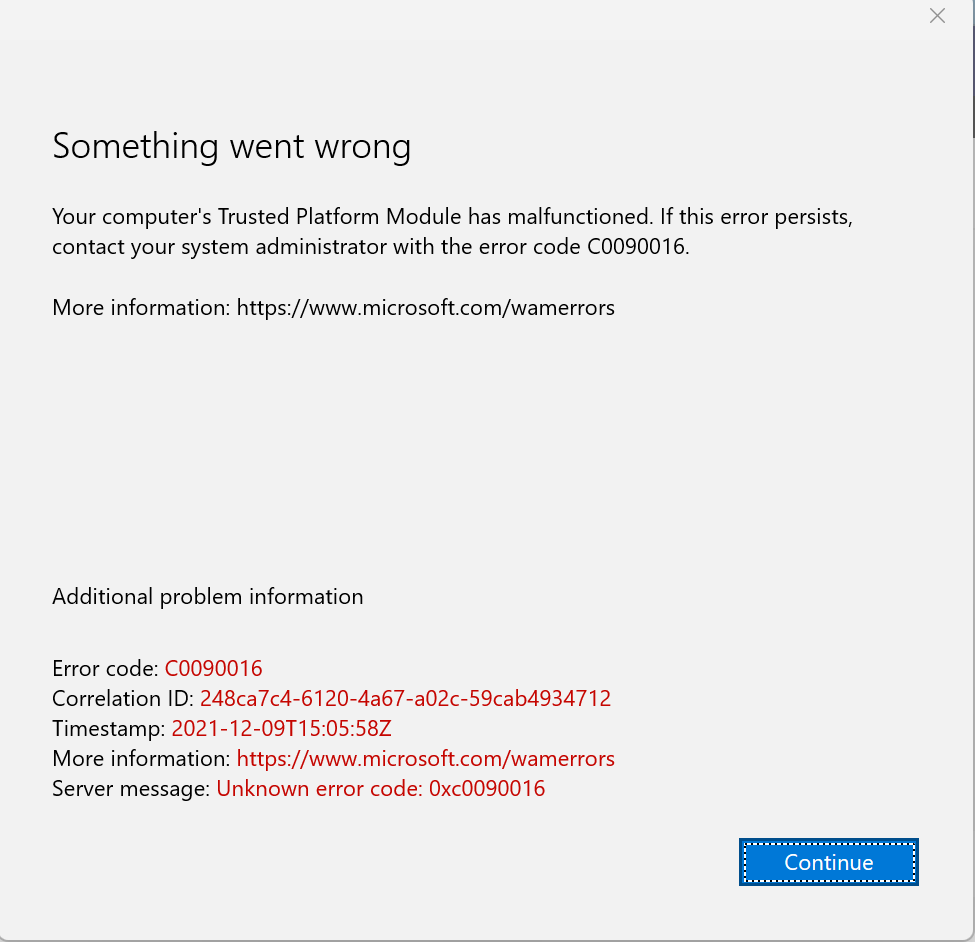
Now that we have that out of the way here's how to fix it:
- Go to settings

- next on the left side of this screen click on "Accounts"
- Click on
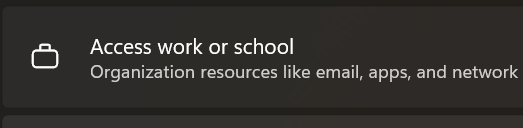
- Click on the down arrow next to your account name and then disconnect, confirm that you do want to disconnect.

- Reboot your computer
- Once it comes back on sign into your computer as normal
- once back in open a Microsoft service (Teams seems to be the simplest) and sign in.
- Repeat this step with Onedrive (little cloud icon)
At this point you should no longer have the issue.