
How do I turn on AutoSave? - Microsoft Support
- When you want to set your documents to auto save start by clicking this toggle switch

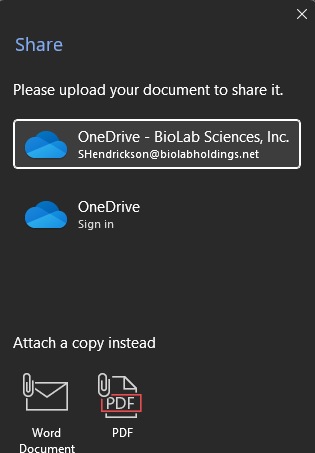
- It will then where in the cloud you want to save it we recommend your own personal Onedrive although if it is a document all members of a group need access to you can choose a sharepoint location
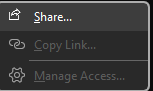
- You will need to have Auto save on if you are sharing a document to be co-edited with others.
- This will also allow for historical edits incase you need to go back to a previous version for correction purposes.