
If you have ever received an email from the Help Desk related to a submitted help ticket and found you could not access the attachment contained here is how you would access it.
- Log in to the help desk portal.
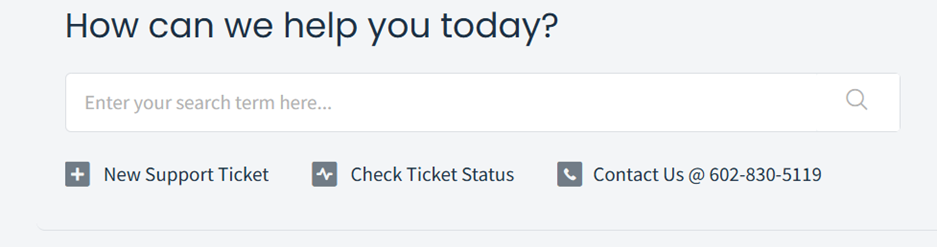
- Click on “Check Ticket Status”
- Find the ticket with the attachment and you should now be able to view that attachment.